Trouble Setting Up Python for KNIME Deep Learning: 'cairo=1.14' Error
Hi KNIMErs!
I would like to run this excellent workflow by the KNIME Life Science Team as described in this blog post. In order to do that I need to set up Python for KNIME Deep Learning (required by the ONNX to TensorFlow Network Converter node). I have a working Conda installation on my system and use it without problems in my workflows, but I’m encountering issues when trying to set up Python for KNIME Deep Learning . I’m following the official guide and using all the recommended methods, which include:
Using a special Deep Learning configuration
Automatically creating the environment with the appropriate method
Here are the steps I’m following:
Go to File → Preferences → Python Deep Learning
Select Use special Deep Learning configuration as defined below:
Choose Conda
Click “New Environment…”
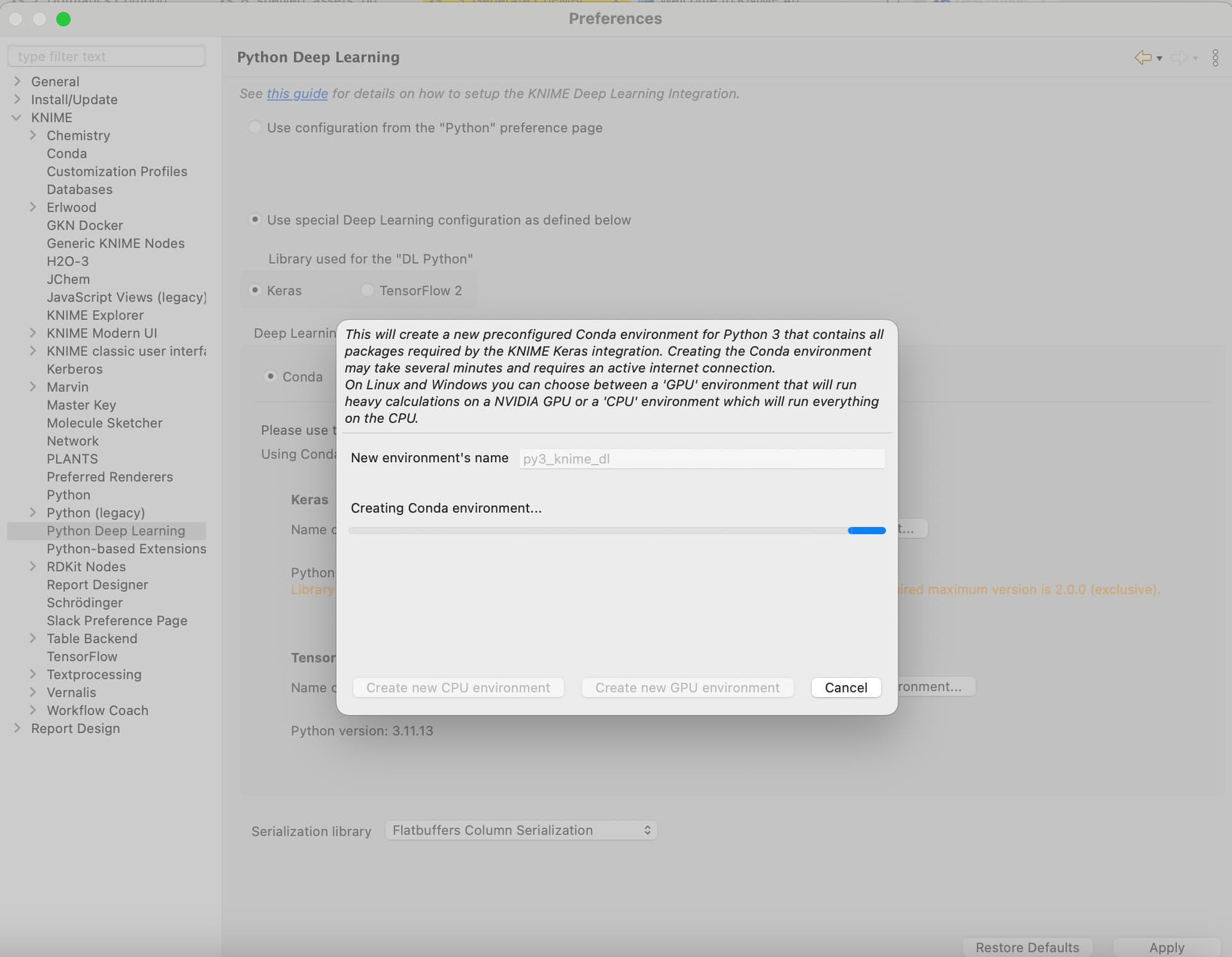
Unfortunately, when I proceed, I receive the following error (see screenshot below):
The following packages are not available from current channels:
- cairo=1.14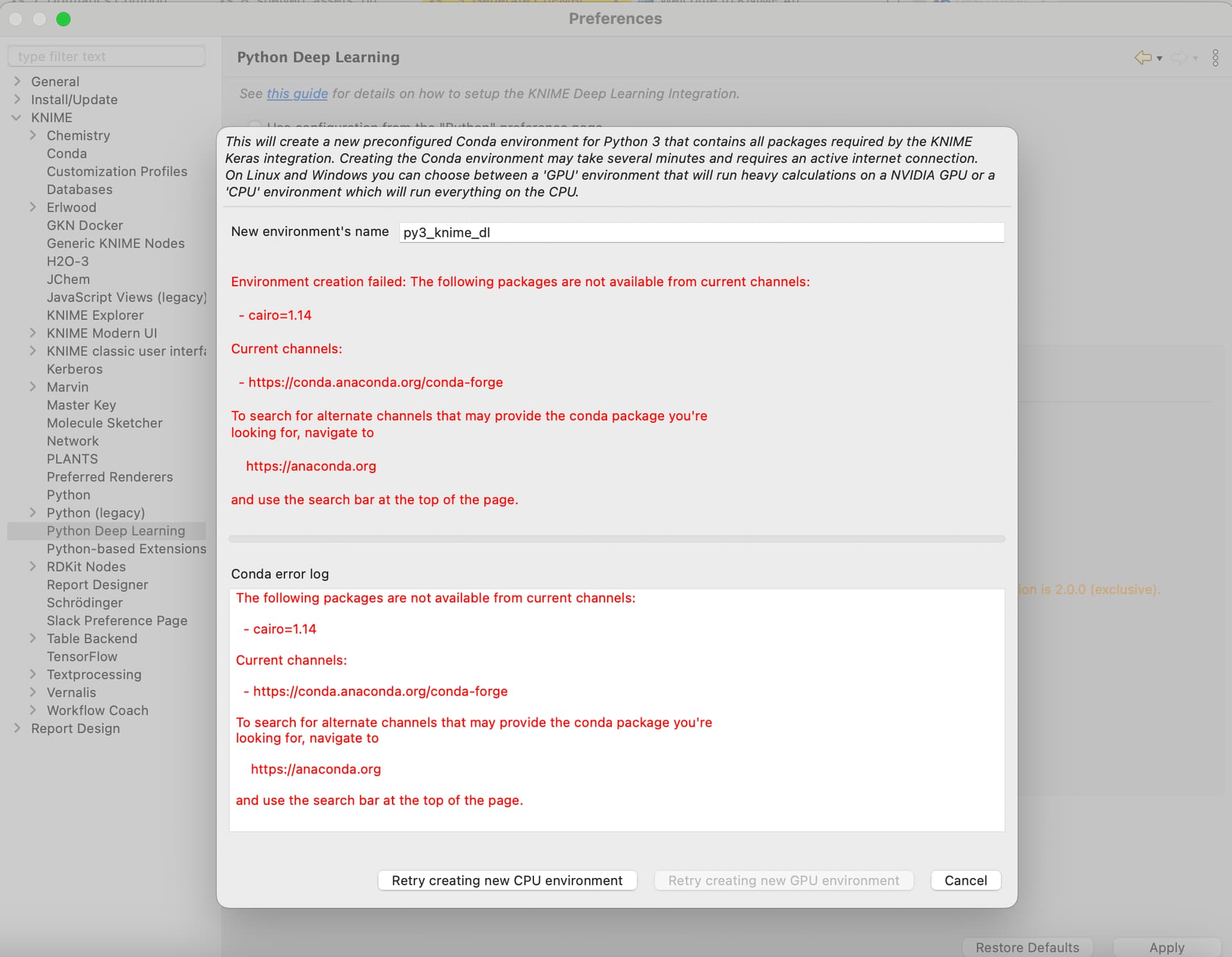
Can anyone confirm the problem? Can anyone help with this issue?
Alternatively, could someone provide me with a list of all the required packages to install manually? I’ve already make several attempts but with no luck.
I’m running on a Mac M1, which could make things more challenging.
Thanks in advance for any suggestions!
Cheers,
Gio