Text View node - can't edit text in existing workflow.
KNIME 5.11.0
macOS/linux/win
I built some reports last year using the Text View node inside Components. I want to update the text in these existing workflows, but find that I can't scroll the text to the top of the editing field, nor scroll to the bottom of the rendered field.
The bottom of the editing field has a character count which implies the maximum size is 1000 characters (see screen shot for one example). All of my nodes have exceeded this 'limit', which didn't exist last year when I created the workflow.
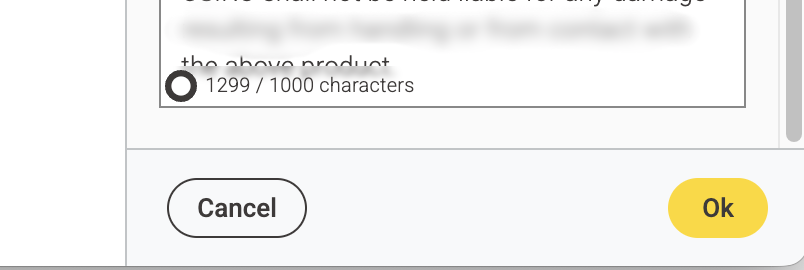
I have tried deleting text to below the 1000 limit, but still can't scroll in the editing field to the top of the text that is being rendered in the rendered field.
So I can't recover all of the text (with embedded variables) to break it up into smaller chunks to put into multiple Text View nodes.
I have tried swapping the "Node configuration dialog mode" setting between "Embedded inside application" and the old "Open in new window", but this made no difference.
When executed, the Component produces a correctly rendered report - no text has been lost - but I can't access the existing text to alter it.
I have checked this on all platforms mac/linux/win with no difference in behaviour.
So what next?
Is there a way to restore scrolling? Increase the character limit? Recover the text with embedded variables?
(the other)
Simon