Read multiple tabs from an Excel sheet - how to add tab name so that I can (row) filter?
Hey friends,
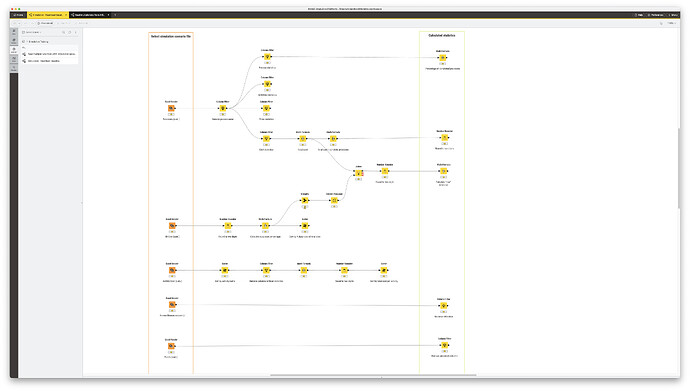
I have the results from a process simulation in an Excel file with multiple tabs (attached) and can load them into KNIME following these instructions: Knime 4.5.1 how to read all sheet in excel - #6 .
However, it now lists all records in one table and I like to do different calculations where I need different infos from one or more tabs. My question now is how I can add the tab name to the results table, so that I can do a simple row filter and have only the content of one tab in a table.
In the past, I did these calculations by using different Excel readers that pointed to the same file but different tabs, but that is inconvenient for a user. It would be better to just ask them to select one file, and it would then split this into multiple tables (and then apply the calculations from there).
Does this make sense for you?
Thanks in advance,
Roland