Python Script and H2O Data Frames - Error under Windows
@ScottF / @SimonS - following up on our discussion here. I would like to adress the H2O/windows problem in a more systematic way.
I wrote a wrapper for H2O.ai’s AutoML to be used with KNIME. On MacOSX and Linux it seems to work. Under Windows I encounter a strange problem I would like the community and the KNIME developers to know.
The problem appears when one tries to load a Pandas data frame into H2O data frame. It does work under:
MacOSX wrapped with KNIME Python Script
MacOSX in Jupyter notebook
Windows in Jupyter notebook
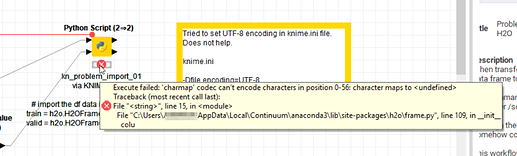
but not wrapped in KNIME. And although the error message is related to H2O the cause seem to be some implementation or versions in KNME Python scripting.
The workflow below illustrates that with a simple example trying to load the iris dataset into Pandas and then further into H2O but also directly loading parquet files from the local disc into H2O directly (which also should be possible).
And as stated. It does work with ‘pure’ Jupyter notebooks but not under KNIME. And yes I have tried to set the encoding to UTF-8 in the KNIME ini :slight_smile:
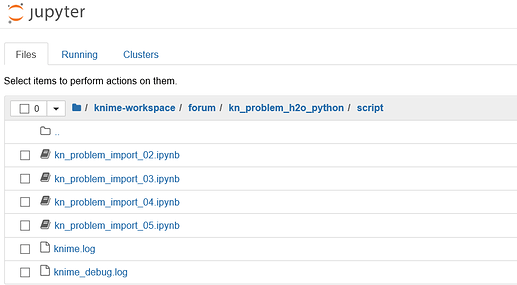
The subfolder /script/ contains the Jupyter notebooks as well as a knime.log and debug log.
Here is a reduced workflow to illustrate the problem: