Oversized Config dialog on Date&Time to String and String to Date&Time nodes
Hi all, I recently (last day or so) updated my KNIME from 5.2.3 to 5.2.4, although this may be unrelated.
This morning, I tried using Date&Time to String nodes and the configuration screen is oversized. It’s never been a problem before, but it seems to be trying to use up probably twice the width of my available screen, and doesn’t resize “nicely” either.
This is on Windows 10
This is also happening to String to Date&Time, but interestingly I haven’t seen it on any other nodes.
Here is a gif to demonstrate what I am seeing.
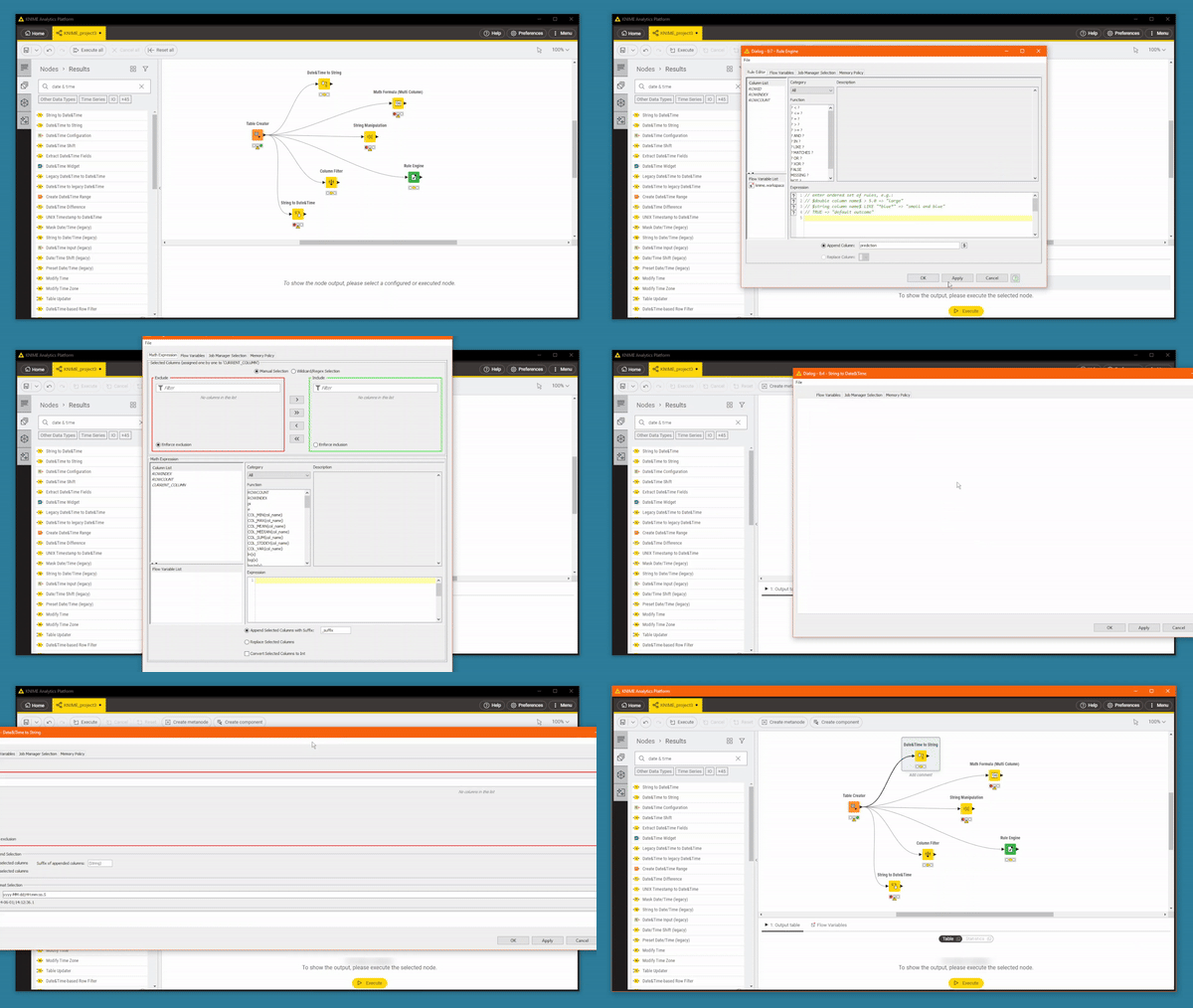
If I switch to Classic UI it does exactly the same, but loading a different version of KNIME on the same pc, everything is fine.
I have tried restarting KNIME, and tried restarting my laptop but it persists.
Any ideas what would be affecting just those two nodes?
I have KNIME 5.2.4 (also updated from 5.2.3) on another pc, and everything is fine on there, so the update may be unrelated.