Modern UI node dialogs are blank sometimes when on a VPN
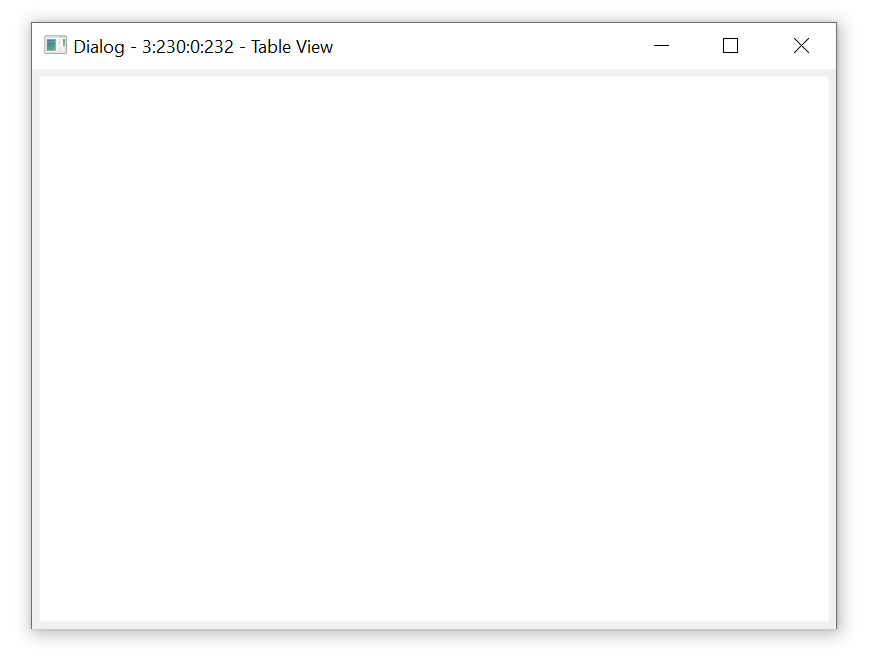
We are adopting KNIME at our company for a new project and we are experiencing a strange issue with many of the modern UI nodes, but especially the “view” nodes like table view or any of the charts. The issue prevents the configuration dialogues from loading, they are just blank. It only happens if we first open the configuration dialog whilst on our VPN. Not only does this make it impossible to configure the node, but even if the node is already configured then these nodes fail to execute. (I don’t know why this is true, but we see that if we cannot open the UI, the node also fails to execute. And this only ever happens on the VPN)
Our company is doing certificate resigning as part of its IT security operations. We previously had issues getting extensions installed because of these certificate problems but that was addressed by this post:
This was helpful thanks. However I am experiencing a new issue which I expect to be similar. The configuration user interfaces for new “modern interface” nodes do not load on the cooperate network (unless they have already been loaded this session whilst disconnected from the coorperate network). For example the Line Plot node, or the Table view node. The above fix with the .ini file didn’t fix it. Is there a way to fix this? [image]
I originally thought it was a similar problem but now I am not sure. As a temporary fix, we can log off the VPN, open the node again, and then if we reconnect afterwards, the node dialog works on that machine (likes its been cached). Its a little bit hit or miss, sometimes I can replicate it the issue and sometimes I cannot. This is a problem because we intend to run our workflows in batch mode on an internal server which will always be connected to the cooperate network and thus can never load the dialog
Does anyone have any ideas here?