List Box Widget: How to change the width
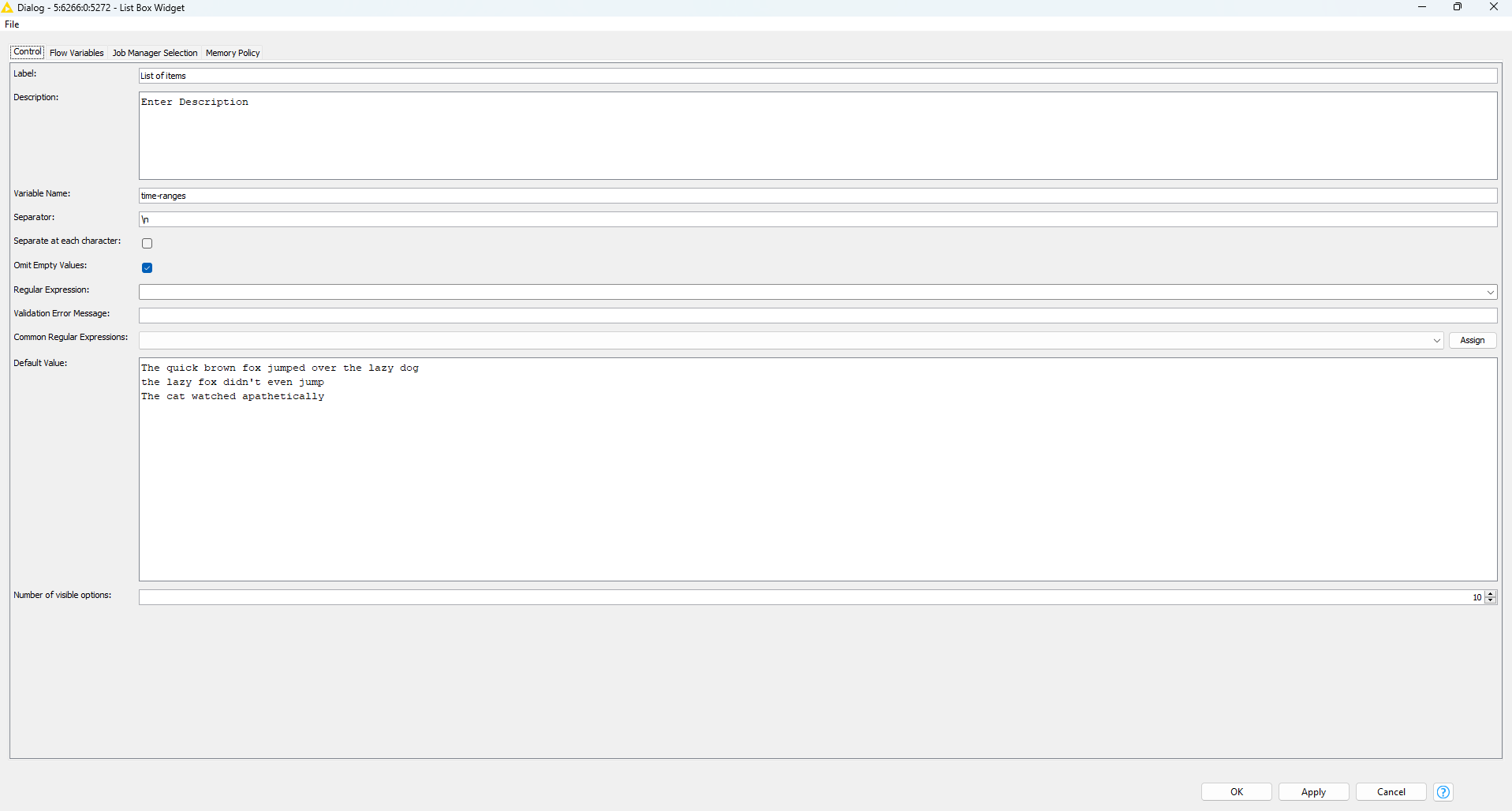
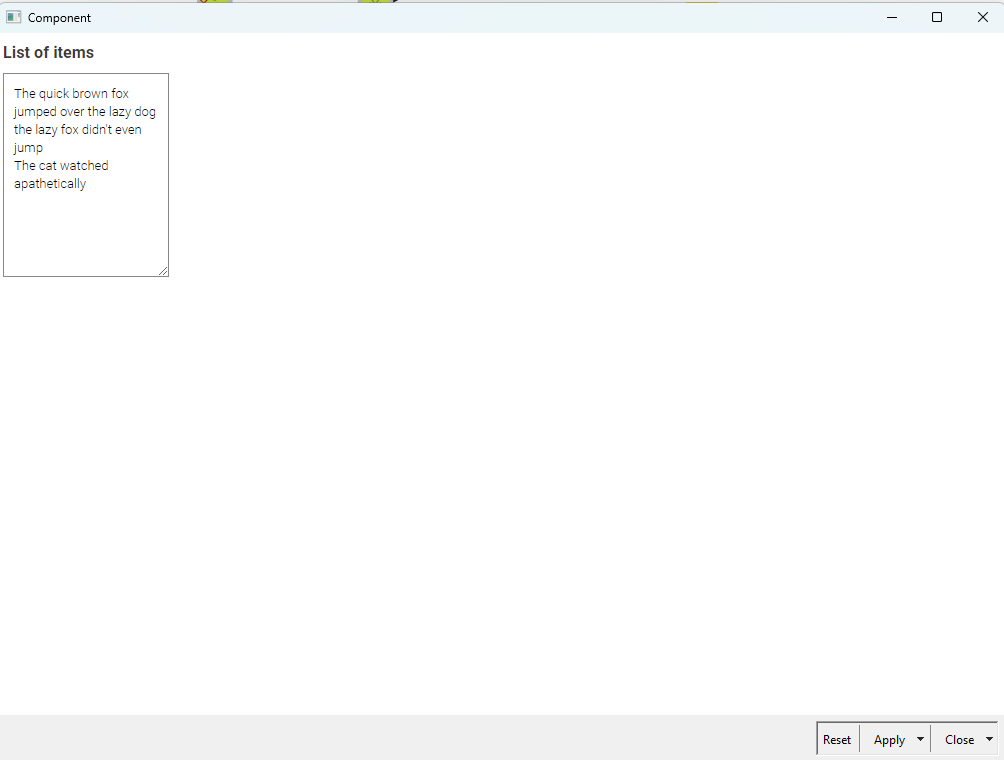
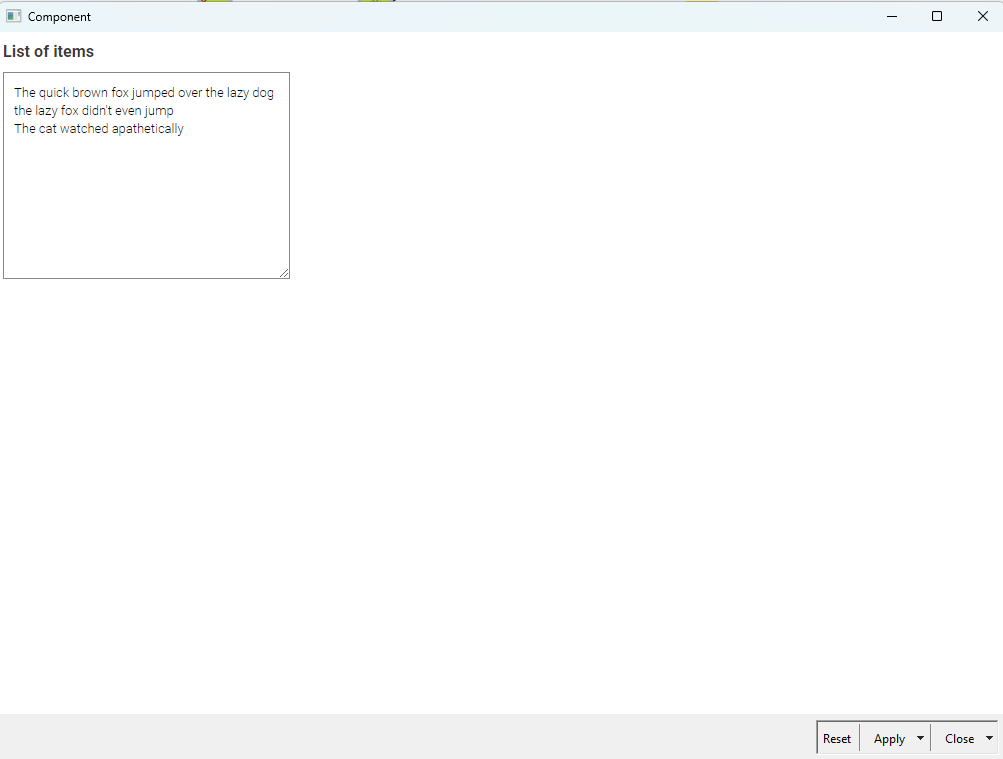
Does anyone know how to change the width of the area where you type in multi-line strings in the list Box Widget. I want the width to match the width of the longest line of default text. You can change the number of “Number of Visible options” to change the height of the box when you open the composite view, but the width always stays the same unless you manually drag the box to make it bigger. putting the list box widget and Adjusting the “composite view Layout” width and heigth does not seem to impact the text box dimensions at all…any suggestions?