Issue with accessing .pkl model file within KNIME workflow in KNIME Hub
Dear KNIME users 🙂,
I have a KNIME workflow where I call a sci-kit learn classification model (pickled). The model is saved in a directory under a workflow group like below:
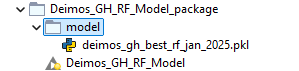
And this is how I’m calling the model from within my python script using
python scriptnode.
model_path = ../model/deimos_gh_best_rf_jan_2025.pkl
This works fine when I run the workflow locally in the KAP, however the same workflow when deployed in the KNIME hub team’s space fails with
unable to access fileerror message. The exact error message is
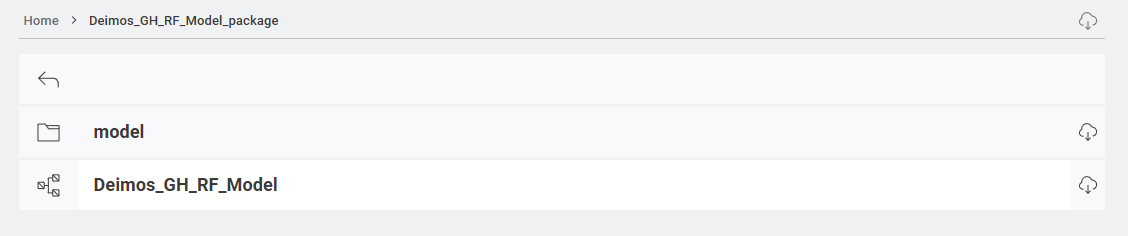
Execute failed: FileNotFoundError: [Errno 2] No such file or directory: '../model/deimos_gh_best_rf_jan_2025.pkl'This is how it looks like in Hub when deployed.
What am I missing here?
Best,
Bilal