Issue: Inspect Is Not Available in KNIME Business Hub
Issue Description
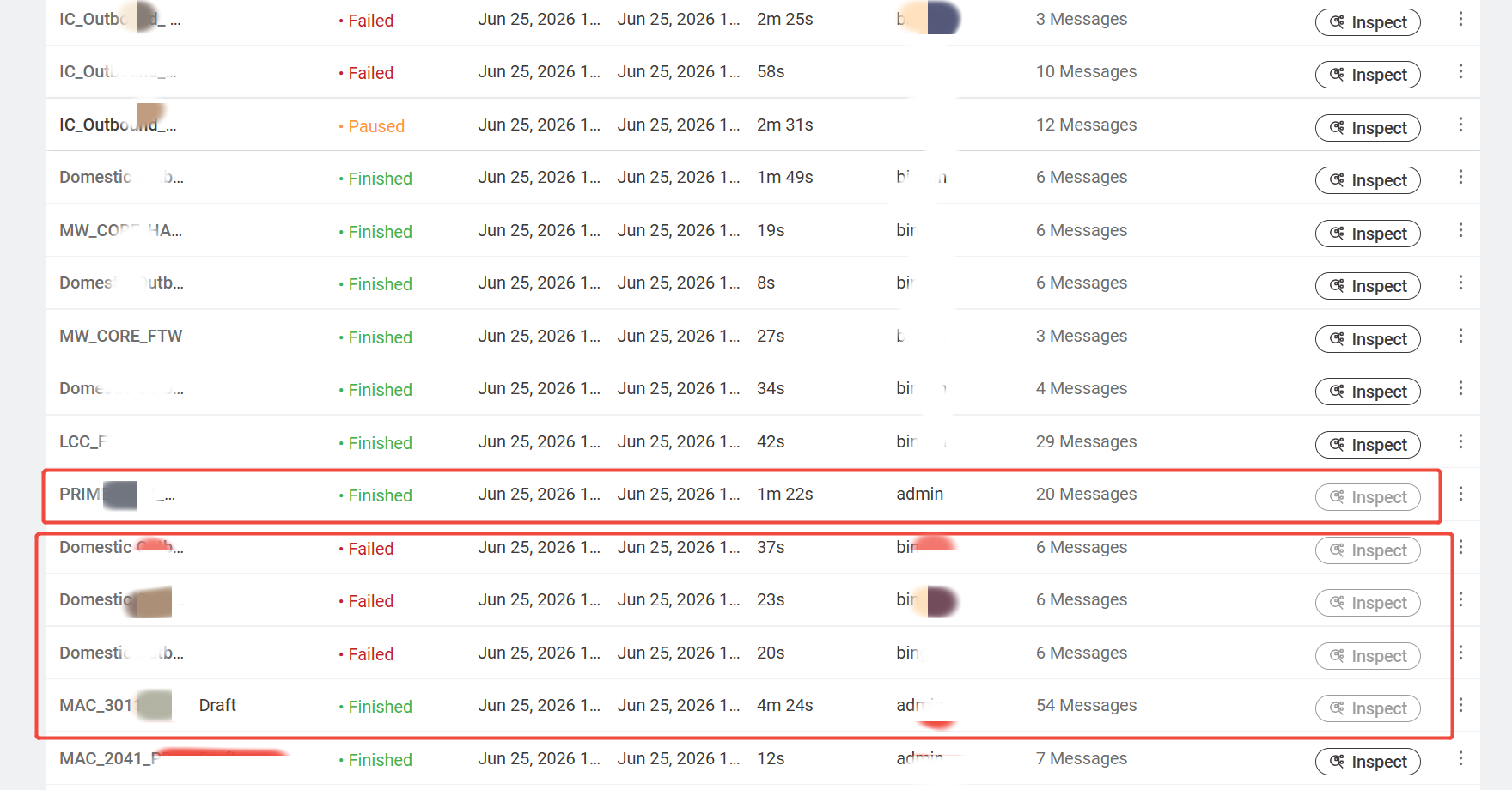
Under normal circumstances, regardless of whether a workflow finishes with the status Finished or Failed, we can always click Inspect to view the execution details and logs.
However, today we encountered this issue five times:
The workflow had already been running for some time or had already completed.
The Inspect button became greyed out and could not be opened.
In one case, the workflow status was already Finished, but Inspect was still unavailable.
Error Message
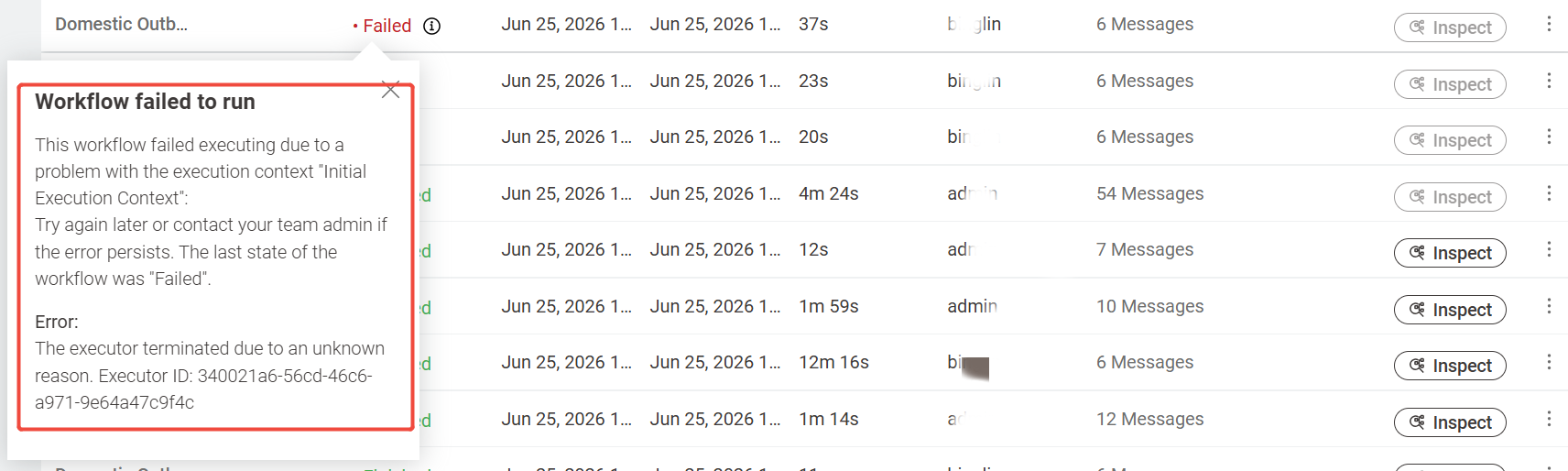
One of the failed workflows displayed the following error:
Workflow failed to run
This workflow failed executing due to a problem with the execution context "InitialExecution Context".
Try again later or contact your team admin if the error persists. The last state of the workflow was "Failed".
Error:
The executor terminated due to an unknown reason.
Executor ID: 340021a6-56cd-46c6-a971-9e64a47c9f4c
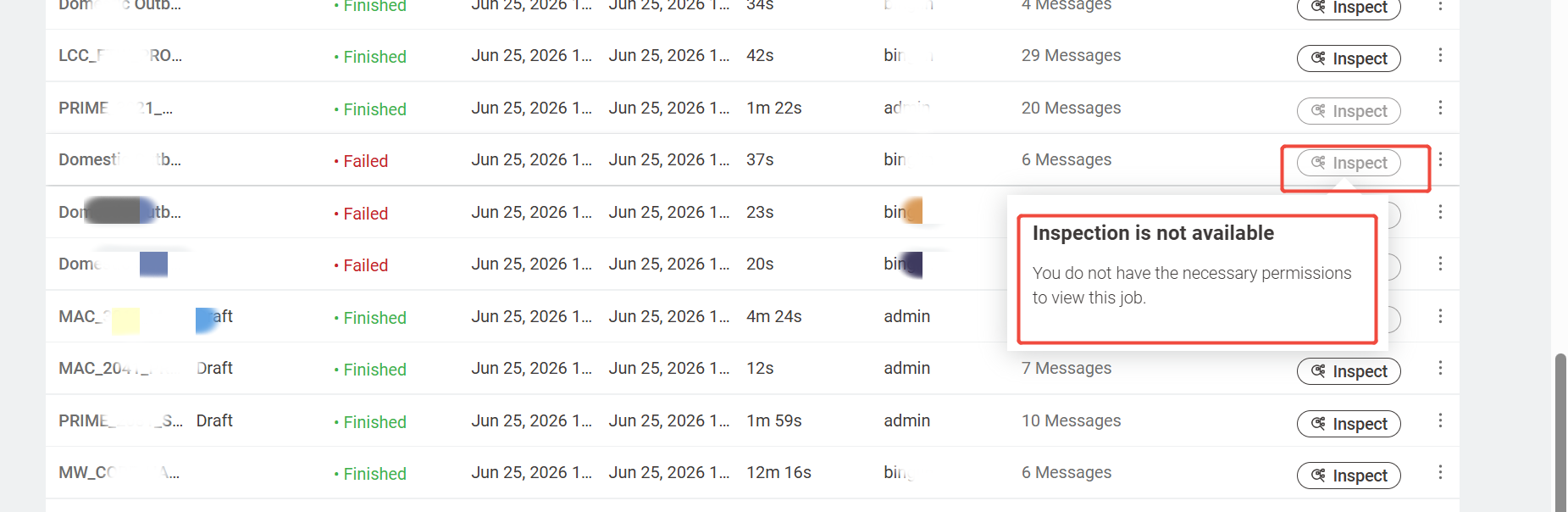
When clicking Inspect, the following message is displayed:
Inspection is not available
You do not have the necessary permissions to view this job.
Questions
Why does Inspect suddenly become unavailable after a workflow has already finished or failed?
Why does the system report a permission issue? I am logged in as an administrator, and I can view the Inspect information for all other workflow executions. Only these greyed-out jobs display the message "Inspection is not available".
How can we avoid this issue from happening again in the future?
Please refer to the attached screenshots and log files for more details.