How to save a PDF again to PDF (without do nothing)?
Hello friends,
I need some help.
Final Goal: PDF reading (text extraction)
My problem: I need to open the PDF and save it again on my machine (replacing it) so that it can be converted to text.
Background: I have a folder with approximately 300 PDFs. These PDFs were downloaded from an email inbox.
When I open each of the PDFs, I usually use Google Chrome for viewing. Apparently, when I view the PDF, it is in OCR format, but Google Chrome allows text selection.
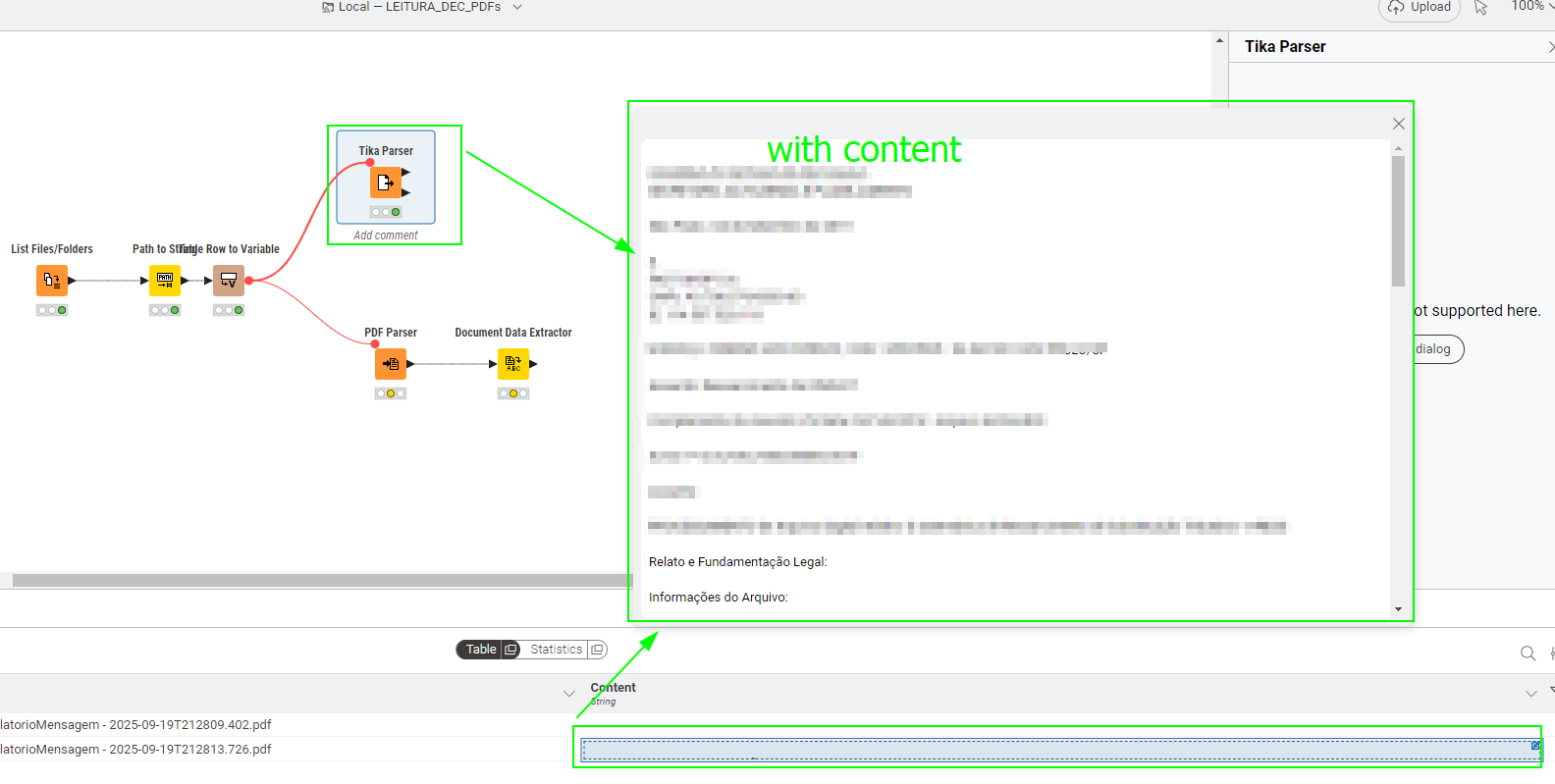
When I create a workflow in Knime to read the PDF, using Tika Parse or PDF Parser, Knime cannot recognize the text. It’s as if it were an OCR.
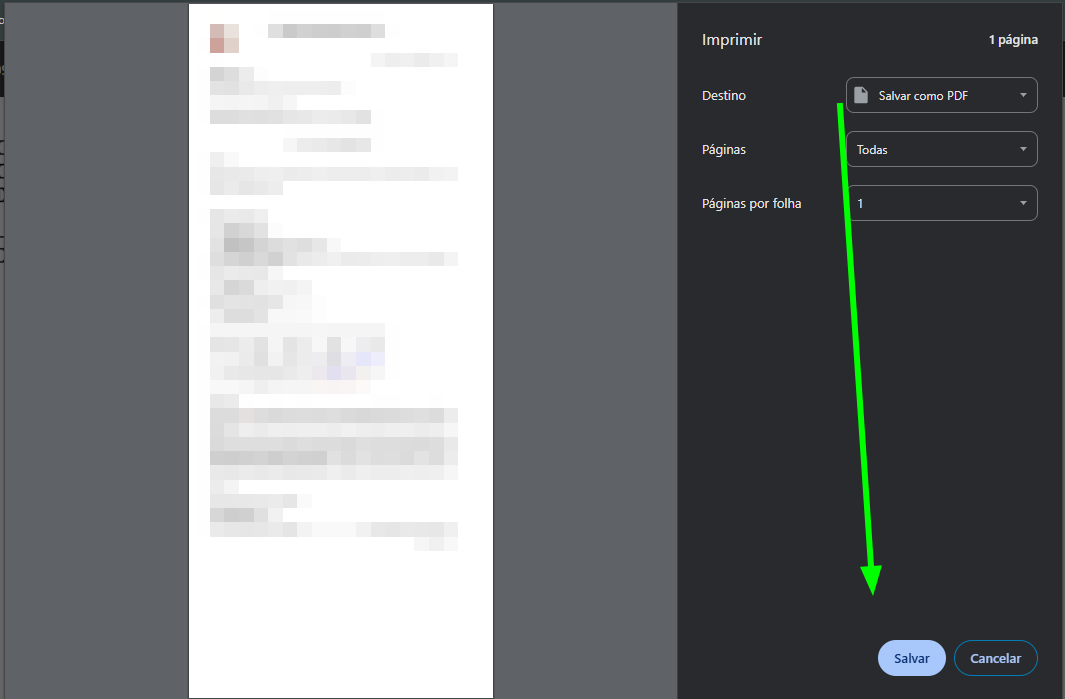
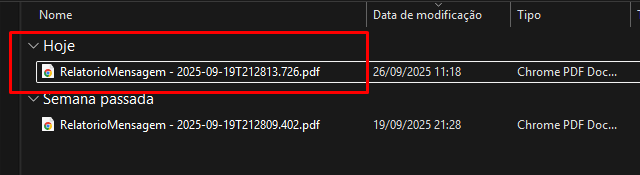
However, when I open the file in Google Chrome, click the printer icon, and save it again (replacing the file), some type of conversion occurs.
When I return to Knime, the nodes recognize the text.
My problem: I would have to open 300 PDFs, one by one, to save and replace them.
My options:
1.
Use some type of automation to do this work. (Power Automate)
1.
Use Knime to do this work.
My question is: Is there a way within Knime to identify the PDF, transform it into Binary Objects to File, and save new files? Perhaps by doing this, I could check if the newly saved file will be in a text format that I can read.
PS: I cannot provide the files as text because they are confidential.
I will provide some screenshots.
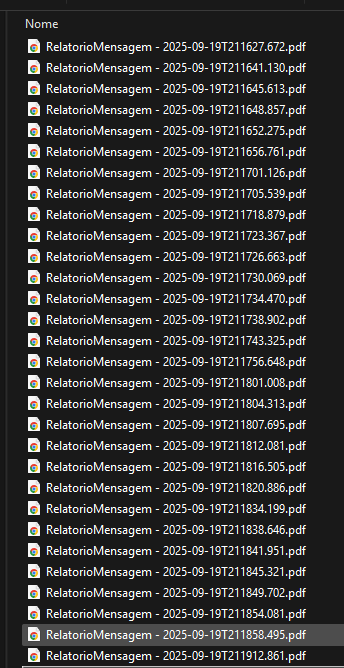
Folder with a lot of PDFs
1- Testing with type similar to OCR ❌
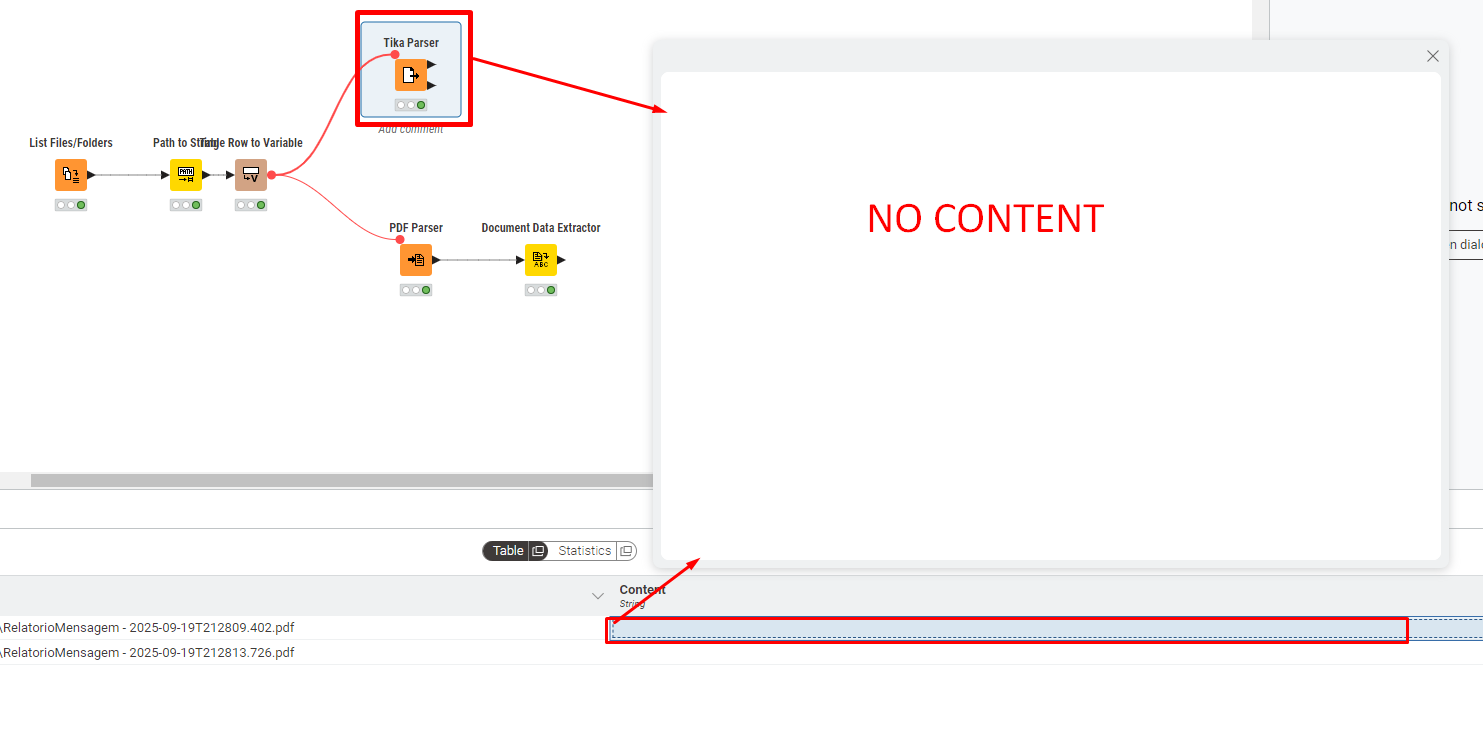
2-Converting to New File
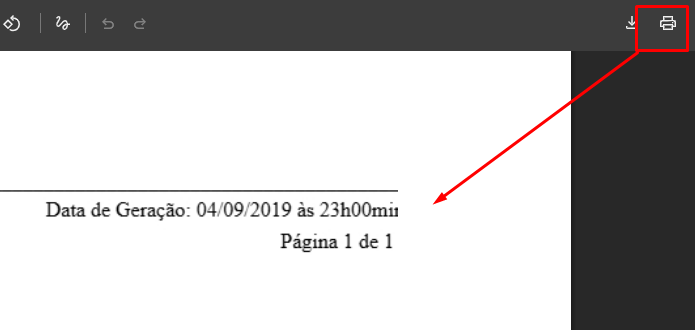
Save new file again
New file replace
Re-workflow :whitecheckmark: