Geospatial Analytics nodes not appearing after installation
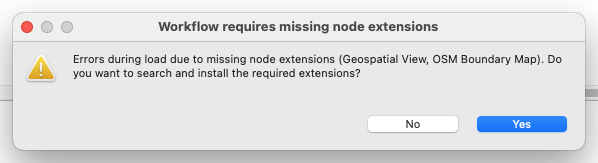
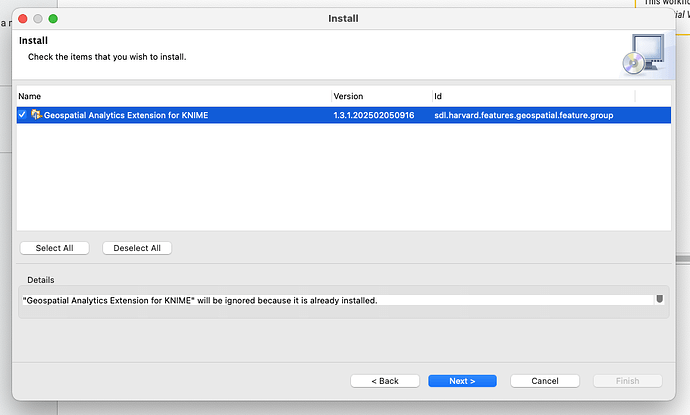
I’ve installed the Geospatial Analytics extension (and confirmed that with the ‘Installed Software’ list), but none of the nodes show up when I try to search for them. Additionally, if I try to open a workflow linked to that, a message appears saying there are missing node extensions; when I click Yes to install them, though, the installation process fails telling me that the package is already installed. Any suggestions for how to fix this, please? I’ve checked, and everything’s up to date.