Excel Reader - So Annoying -Transformation Tab
So Annoying Excel Reader
I’m having an issue with the Excel Reader node in a loop.
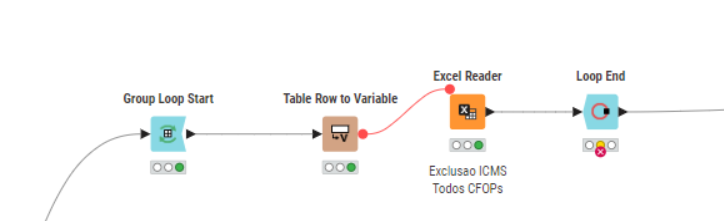
Situation:
I have a folder with 10 Excel files.
All files have the same layout (same number of columns and data types).
They all have the same number of sheets.
I’m iterating over a specific sheet.
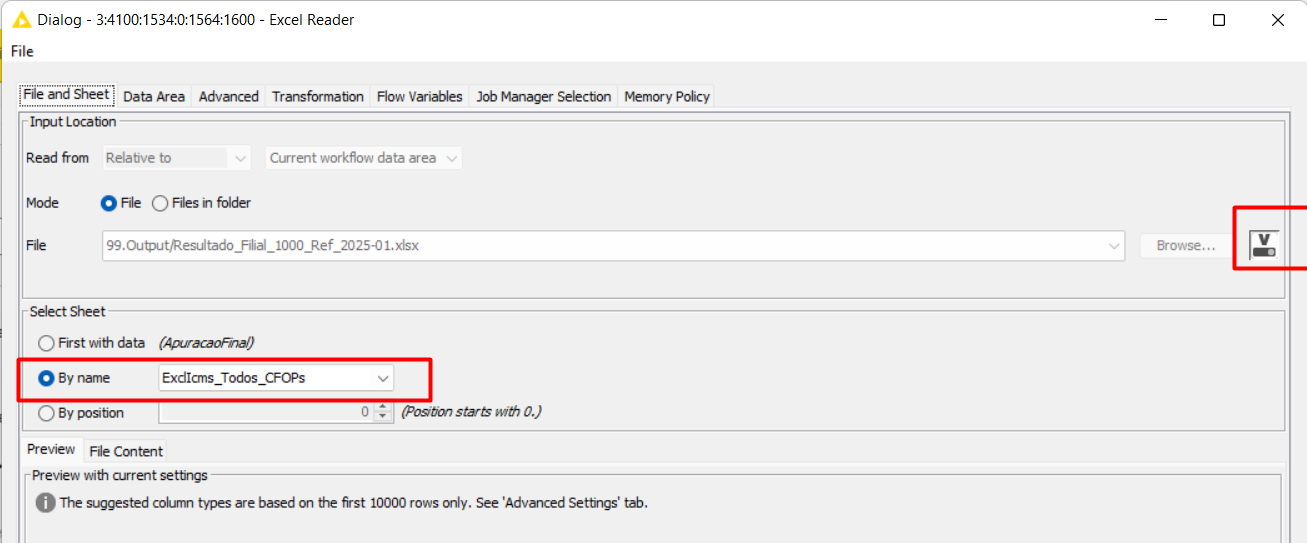
I’m using a flow variable for each file within the Group Loop.
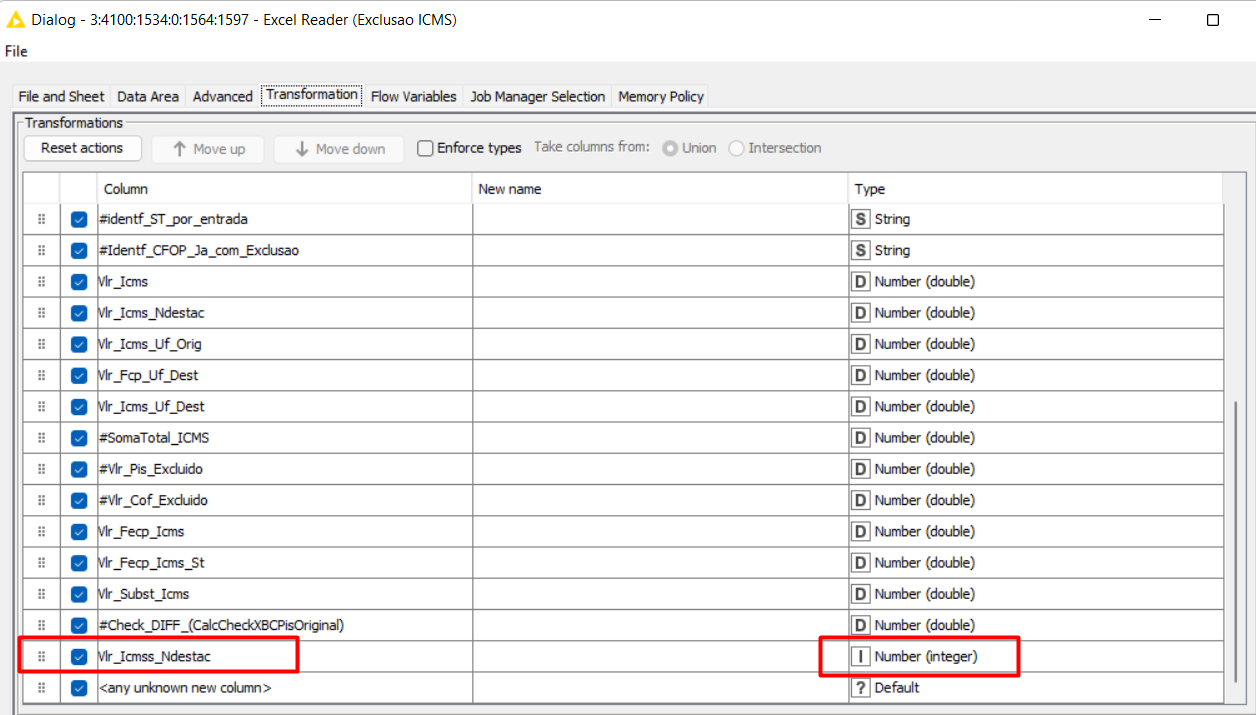
In the first iteration, everything works fine.
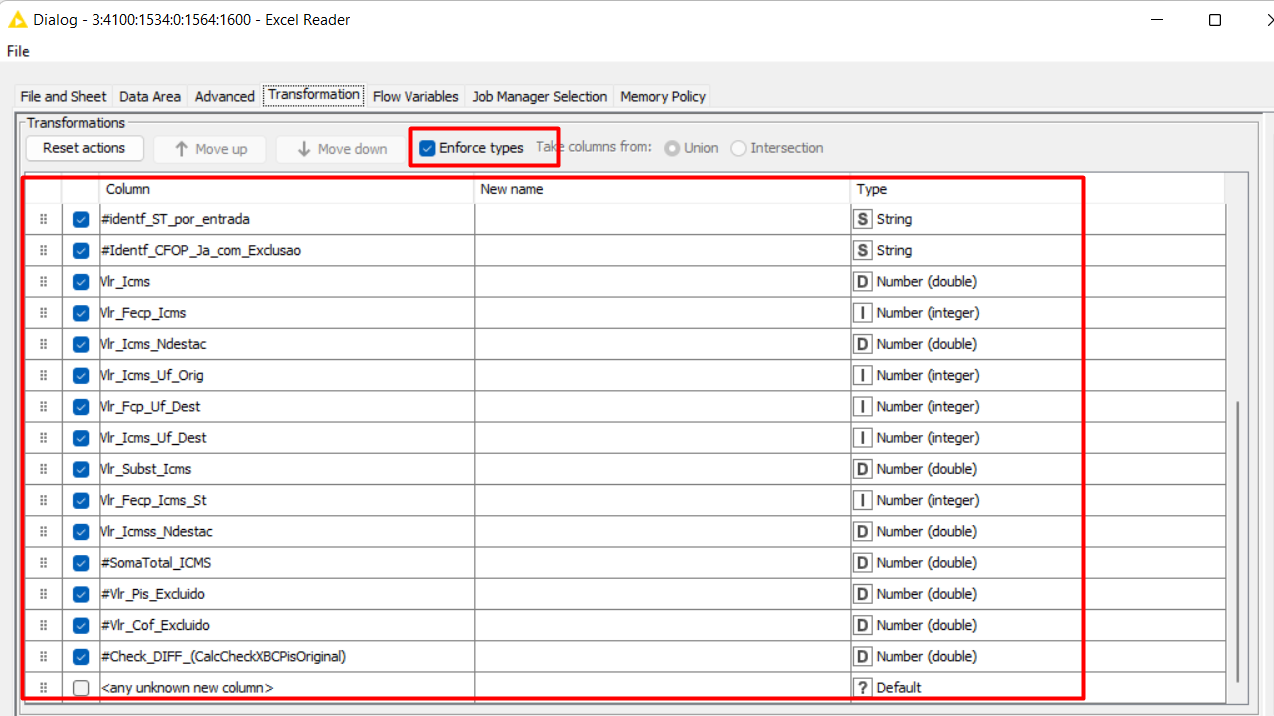
(See screenshot.)
In the second or later iterations, an error may occur, stating that the data type of a column in the first file is different from the data type in the next file being iterated.
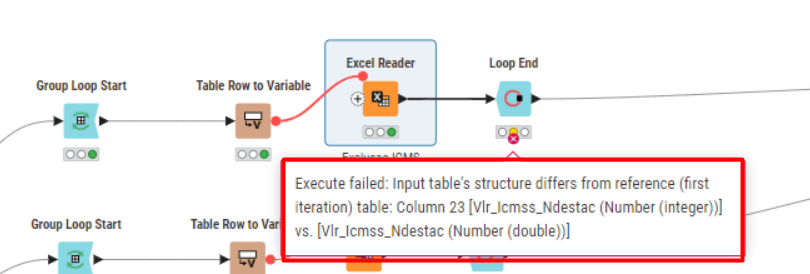
I can’t seem to fix this at all.
I’ve already deleted the node, added a new one, and the same issue keeps happening every time.
It’s been really difficult to get it working.
I’ve also tried unchecking Enforce Type, but the problem persists.
See this frame of the first iteration
Look for this column selected
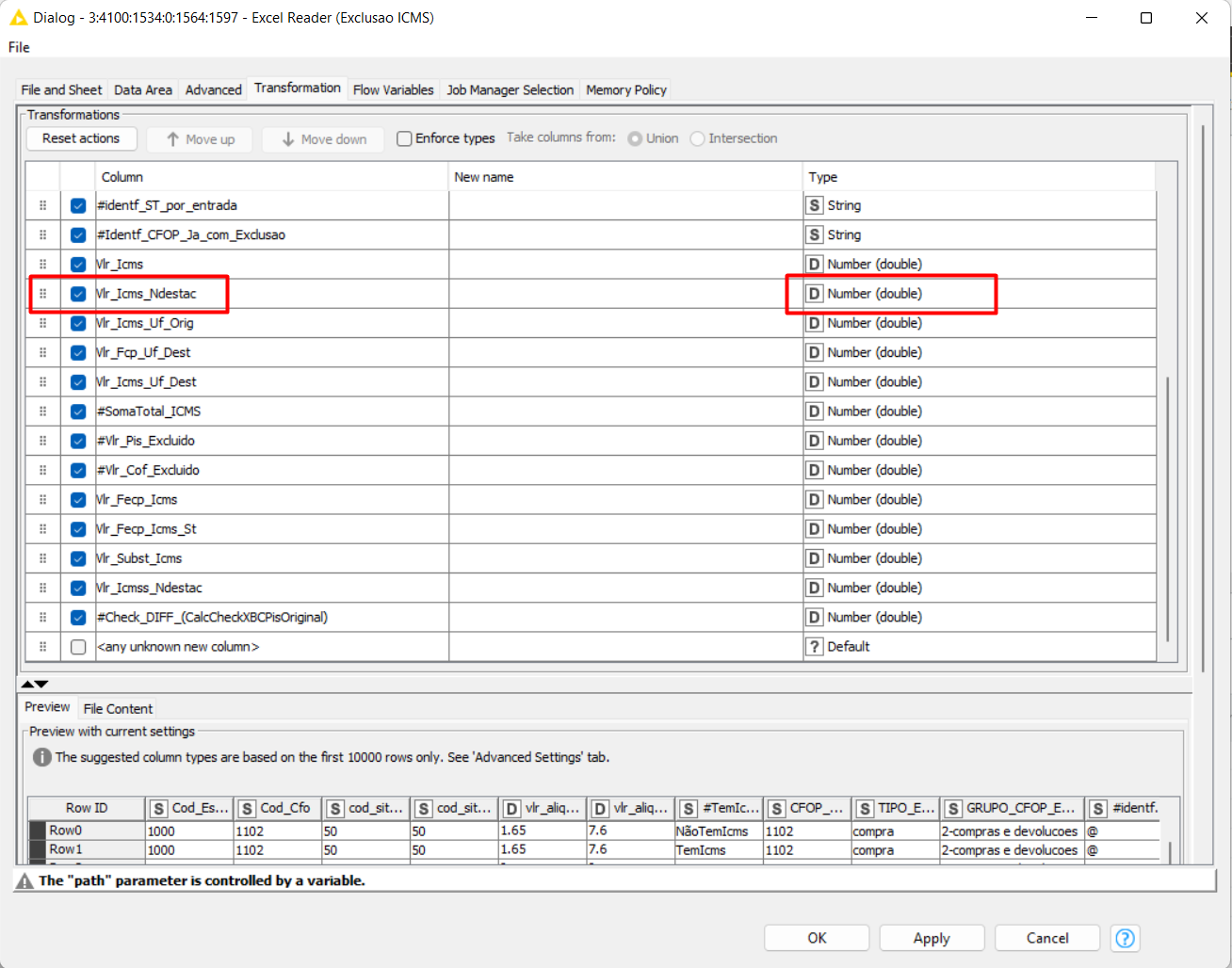
Then Error
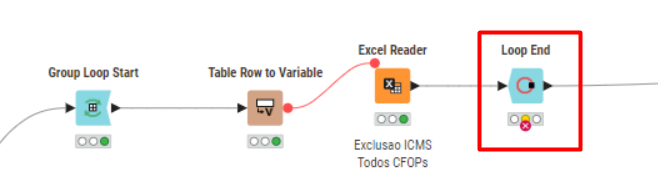
*Now, look that same column, that jumps to the end with another datatype,
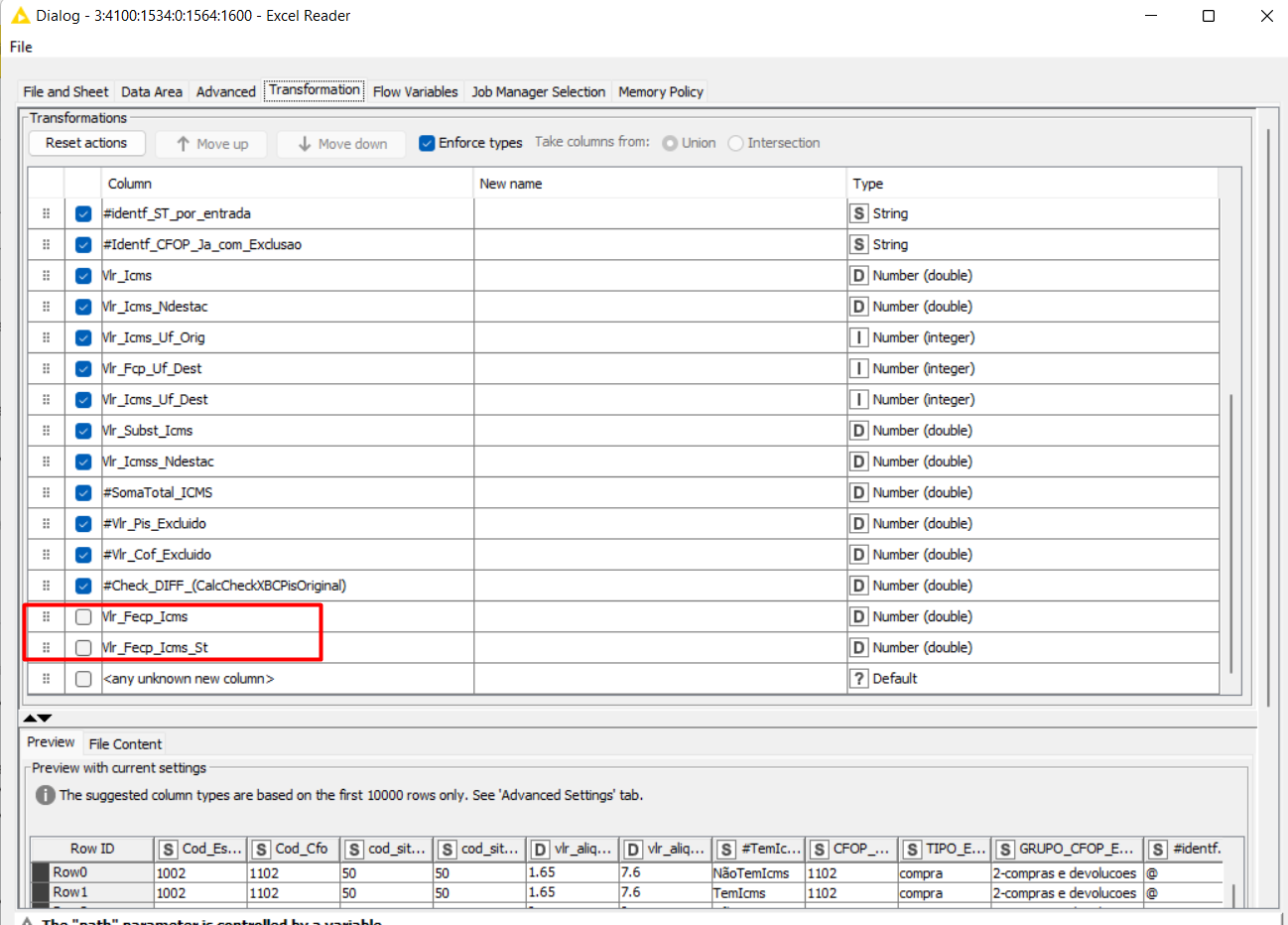
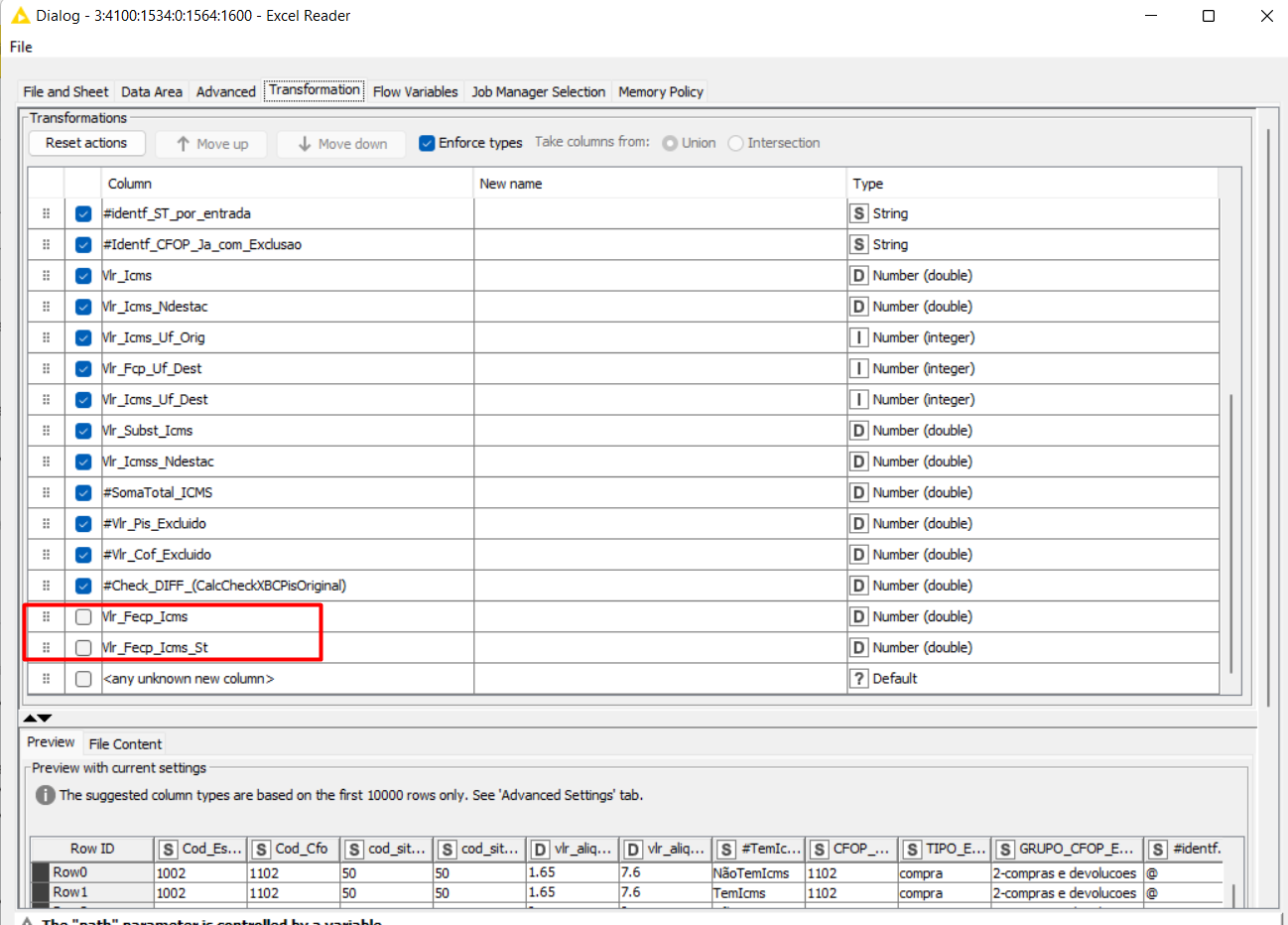
Sometimes the more colums “jumps” to the End, are not selected
Configuration Excel Reader
Can someone help?