Excel loop to aggregate multiple excel sheets. Data headers start on different rows.
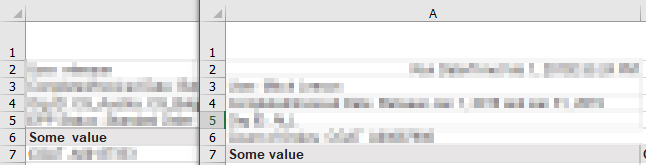
I have a couple loops which are appending various excel sheets together. I have ~50 files in a folder. Some of these files have multiple sheets. Some of these sheets have data that start on row 6, some on row 7. The headers all match.
How can I add a step to the below flow that will search within the first few rows of data and find the column headers where the value ‘some_value’ is found in column A? i.e. some on row 6, some on row 7.
Flow:

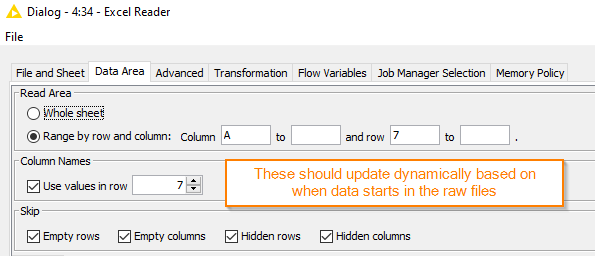
Settings in the excel reader node:
these settings are what I expect to be able to change dynamically based on the data in the raw file
I also use the flow variables for sheet_name
This flow works well only for the files which have the data starting in row 7 (which I can set directly in the ‘Data Area’ settings of the Excel Reader node. I am looking to change the flow so that the data will be appended regardless of what line the data starts, based on the value in column A.
As an example, here’s a sample screenshot of 2 raw data files where the data starts on different rows: