DB row Filter with String Widget (doubt)
Hi @takbb
About this case:
Yes you can use the String Widget and generate an input to the DB Looping Node, if that’s what you mean. You don’t use a Table Creator for it as you just need to generate an input table: [image] Demo DB IN Clause using Flow Variable3.knwf > In this case, the user doesn’t put in the quotes, they simply have to put in the commas, even though the input is Strings.
Could you help me?
How did you change the parameter of your component to overwrite dialog?
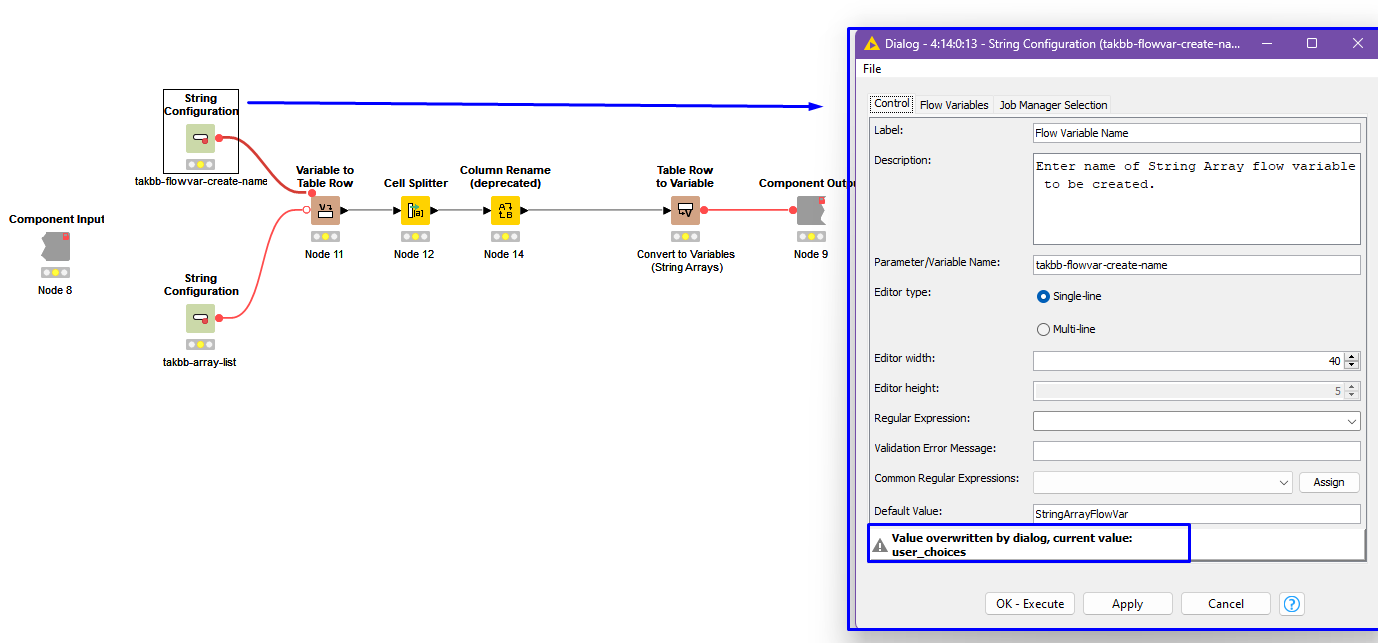
It’s because I can’t find any configuration in the “flow variables” config (print below)
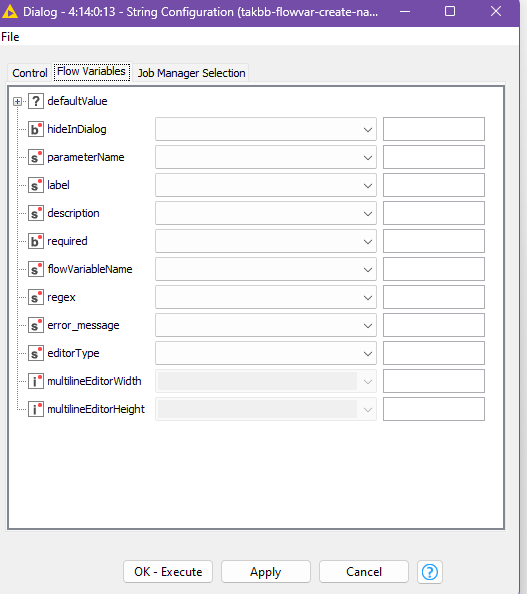
And, why I want to know?
Because I want to change from “string configuration” to “string widget” to
allow the user to select via the component and filter in the DB.
My case is the same as explained in the forum, in which I need to make a query with several options to use in the IN clause, but when I copy all the values to replicate to “string widget” I can’t find the configuration via overwrite.