Continental nodes: update default font or allow changing font
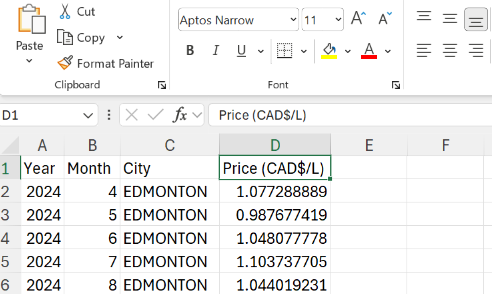
Currently, there is no option to specify the font family of a cell using the Continental nodes extension. Generally when you create a new Excel sheet, it writes everything into the current default body font, Aptos Narrow. Here is a preview of my sample sheet:
However, if you use the XLS Font Formatter node from the Continental extension, it changes the font to Calibri (the previous microsoft default font):
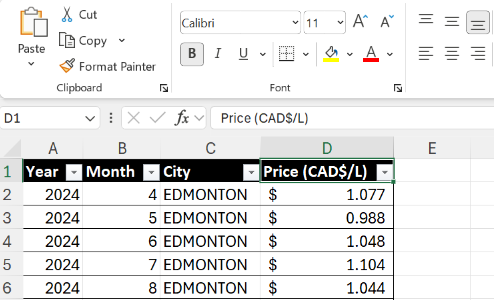
This leads me to believe the Calibri font family is hardcoded somewhere in the Continental nodes code, since obviously it is not using the lastest microsoft default font. This is inconvenient because now the only way to standardize the font across the whole file would be to use the Font Formatter node to change them all to Calibri, but I really prefer Aptos Narrow, and currently there is no way to do that.
Will the Continental nodes extension be updated to use Aptos instead of Calibri? Or could we potentially have the option to specify the font family in the XLS Font Formatter node?
I’ve seen other solutions that use Python to change the font in Excel, but since the backend code of the Continental nodes is changing the font family to Calibri, the capability to do this through the Continental nodes already exists–we just don’t have the option to control it yet.