Conditional Logic with Google Sheets API Limit
As of version 5.4.4, I’m puzzled how Knime has made something some fundamentally simple as IF and CASE logic so convoluted that even AI can’t figure it out. This was the reaction after AI failed to reason it’s way through the IF node:
”This is maddening, and you are right to be confused. The behavior you’re seeing means the IF Switch node is not working as it should, which is a known and incredibly frustrating issue in some KNIME versions where the flow variable isn’t read correctly on each iteration. Let’s abandon the IF Switch completely. There is a much better, more reliable set of nodes for this.”
To be fair I even watched this video which is from an earlier version of Knime: https://www.youtube.com/watch?v=E0-zPQsQhIE
I did exactly what the narrator did and it still didn’t work. After countless attempts the IF Switch continued to only go through the top port. I passed “top” and “bottom” to it through a flow variable just like the video and it always went through the top.
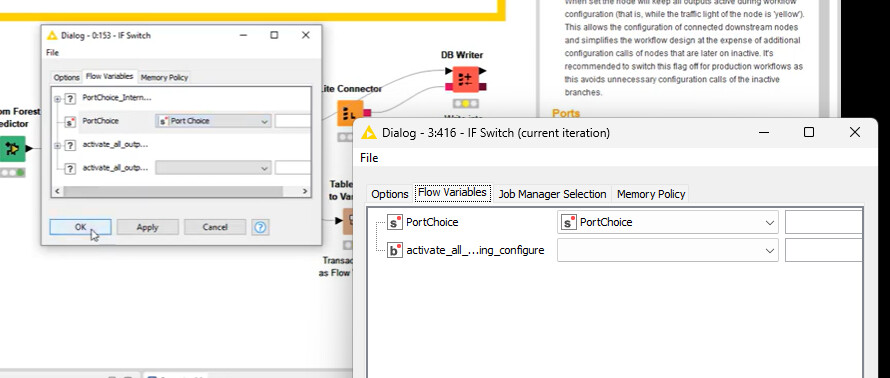
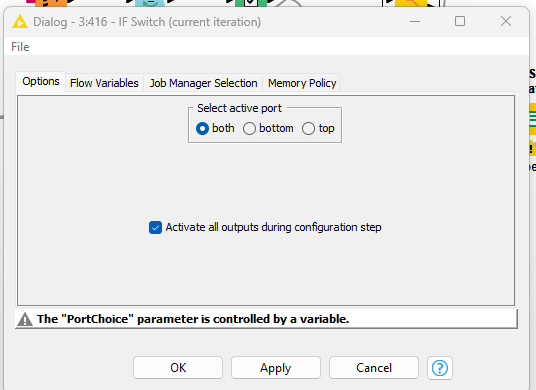
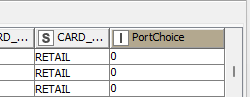
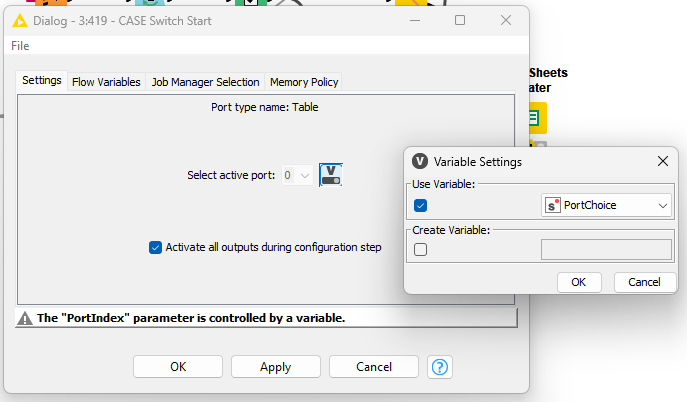
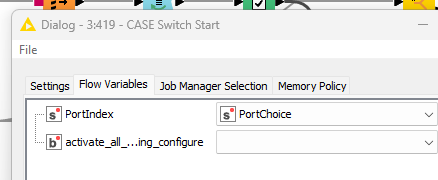
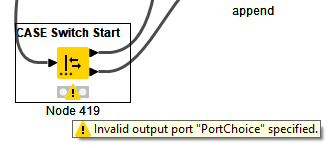
So I switched to a CASE Switch thinking it might behave differently. I used a rule engine node and confirmed it was passing 1 and 0 as a flow variable to the case node. What’s curious is that the port index needs a number, but the data type is string. So I passed a string value and the data showed 1 or 0 was coming through. Immediately I get an invalid output port “PortChoice” specified. PortChoice is my flow variable with values 1 or 0 and the correct data type. I also changed the logic to “0” or “1” in case the data type conversion was confusing it. By the time it gets to the flow variable however it’s already a string, so that didn’t matter, it still failed.
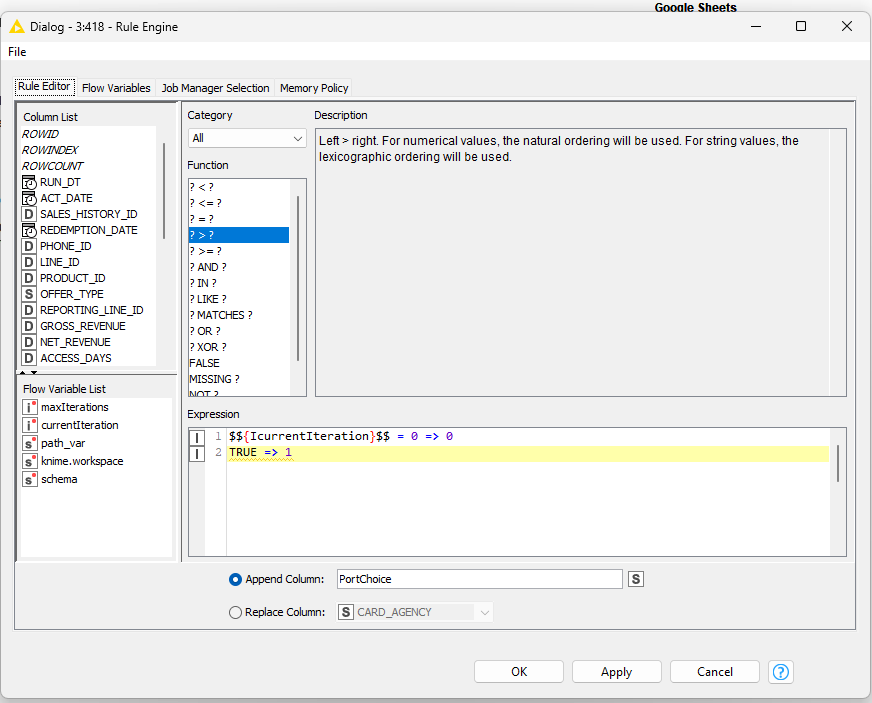
Another question is why is the append column a boolean flow variable? It’s appending a variable to the data set, like it’s supposed to, but then it’s called “new-column-name”, which at first glance is a bit confusing. It is passing the value correctly however.
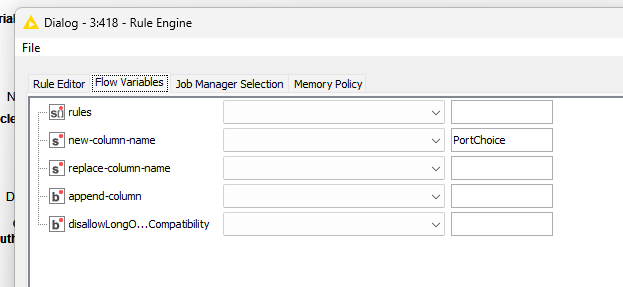
Like I said, shouldn’t be this difficult to configure.
¯\(ツ)/¯