Amazon S3 Connection Node Missing – Cannot Configure Custom Endpoint for S3-Compatible Storage
Description:
I am trying to connect KNIME to an S3-compatible storage service (Optum internal S3) that requires a custom endpoint (e.g., https://)).
However, in my KNIME installation:
*
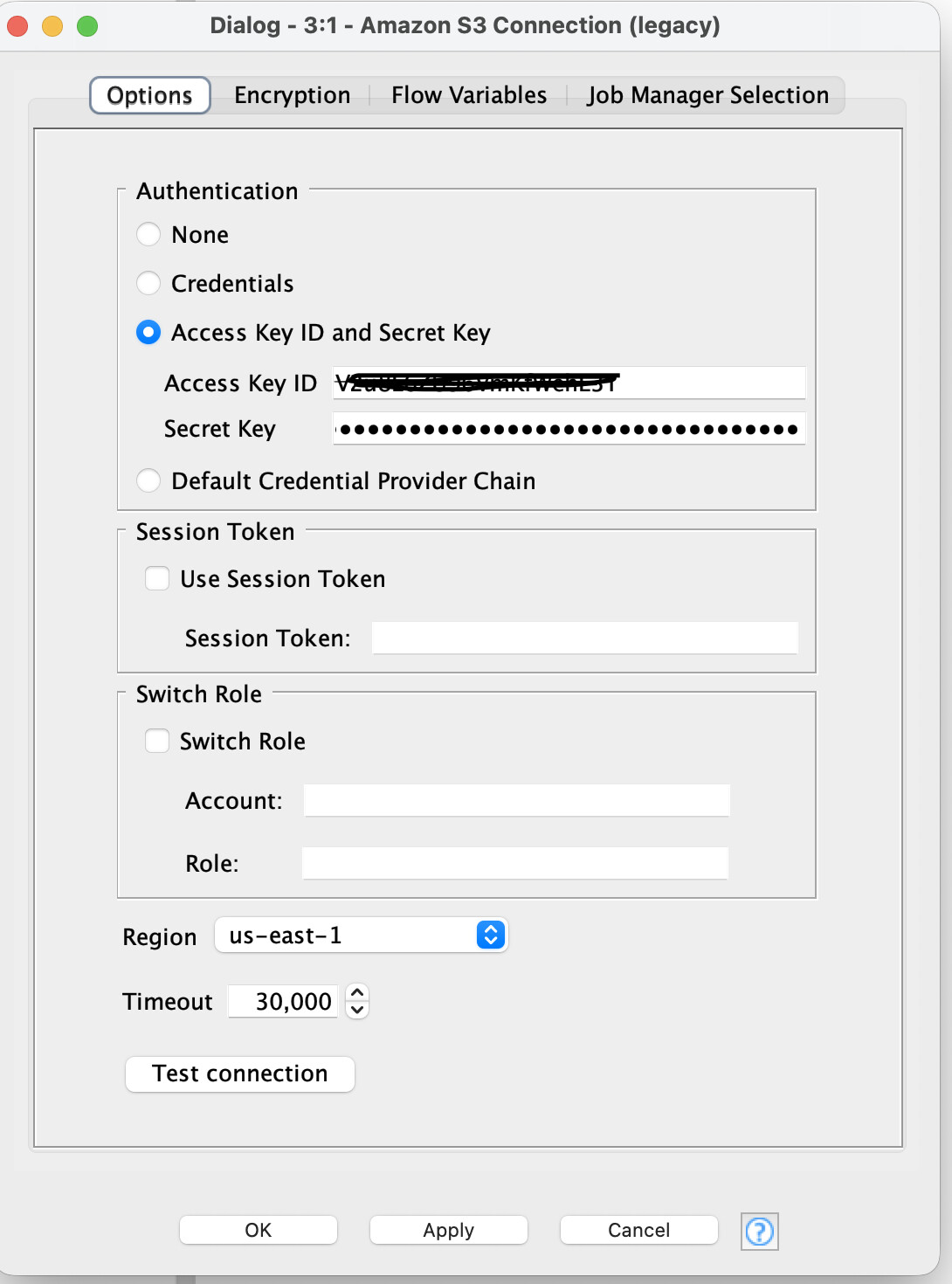
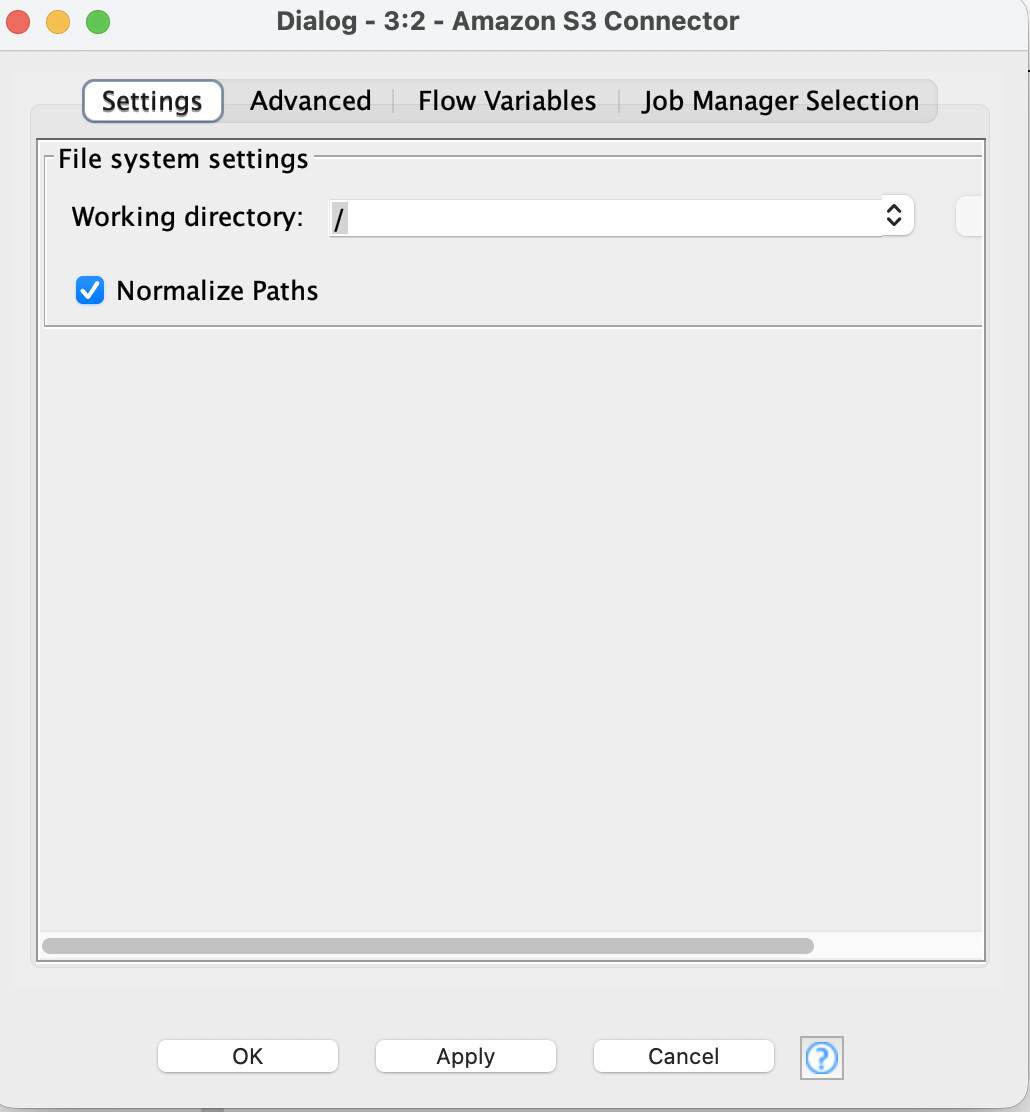
I only see Amazon S3 Connector and Amazon S3 Connection (Legacy) nodes.
*
The legacy node fails because it does not allow specifying a custom endpoint override.
*
The Amazon S3 Connector dialog only shows “Working Directory” and does not provide any fields for Access Key, Secret Key, or Endpoint configuration.
Expected Behavior:
Ability to configure Access Key, Secret Key, Region, and Custom Endpoint in the connection node (as documented in older KNIME versions).
Actual Behavior:
*
No option to set credentials or endpoint in the new connector dialog.
*
Legacy node does not support custom endpoints, so connection fails with:
Connection to s3://<bucket>@us-east-1 failed. Check your Access Key ID / Secret Key.Questions:
1.
Has the Amazon S3 Connection node been removed or replaced in the latest KNIME version?
1.
How can I configure custom S3 endpoints in the current KNIME setup?
Environment:
*
KNIME version: [5.5.1]
*
OS: [MacOS]
*
Extension: KNIME Amazon S3 Connector, KNIME Amazon S3 Connection (Legacy)
Screenshots:

Amazon S3 Connector Dialog:
Feature Request:
Please add support for custom endpoints and credentials configuration in the new Amazon S3 Connector node or provide guidance on the recommended approach for S3-compatible storage.