[5.3.2] Odd little UI bug when dragging components from Space explorer
I went to drag a shared component from Space explorer to my workflow.
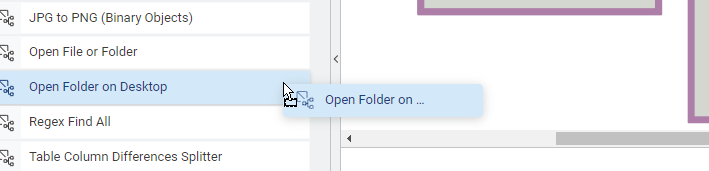
This first screenshot shows it going as normal.
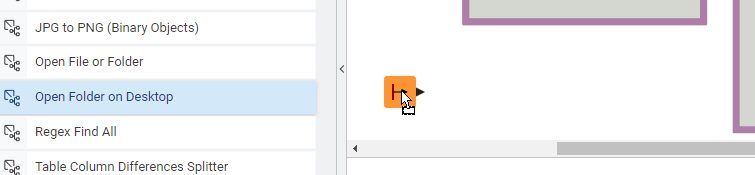
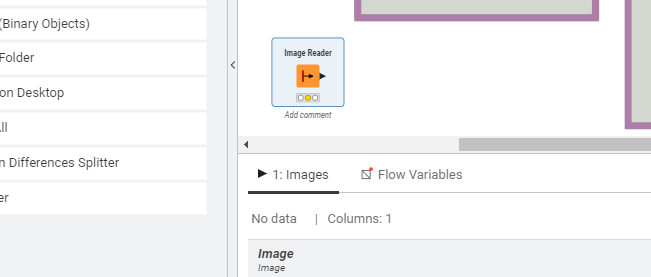
However as soon as my mouse gets past the vertical grey space and into the white space of the workflow window, I get the Image Reader node instead of the “Open Folder on Desktop” node.
If I double-click on the “Open Folder on Desktop” node from the Space explorer sidebar, it does open its own workflow as expected.
The only contributing factor I can think of us that earlier I moved a lot of workflows around to clean up my workspace.
Windows 10, if it matters.