5.2.0: Table View node reporting different row counts in reports, based on pagination
Not sure if this is a bug, or intentional - or if there’s a workaround.
I created a component which is set to Enable Reporting.
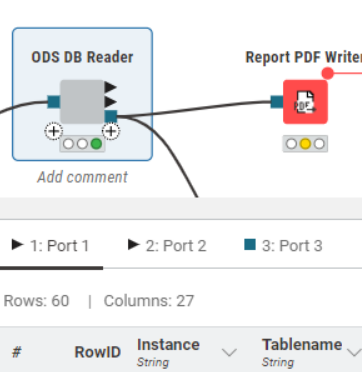
Inside it there is a Table View node. It has pagination set to 10. As shown in this first screenshot, there are 60 rows and 27 columns.
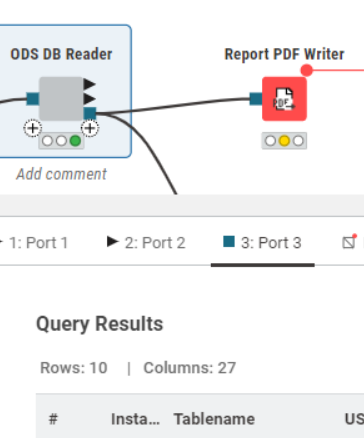
Port 3 - Report output
Rows: It lists “Rows: 10”, instead of “Rows: 60” - because of the pagination
Columns: The column count remains unchanged even though the output doesn’t display the majority.
It’s not clear why all columns are counted(despite not being visible) when rows that aren’t visible are not counted.
I would very much like the report to reflect the amount in the table, as opposed to what is displayed in the report.
It’s not an option to turn off pagination - the live data row count is far greater. (The point of this report is to provide a sample only)
Is this a bug? Intentional? Can we have an option to choose one or the other please?
Thanks! AJ